Tackling challenges and building success.
Quick Links
Updates on The Hill.
On a campus built for connection, stay up to date on the latest things happening on the Hill.
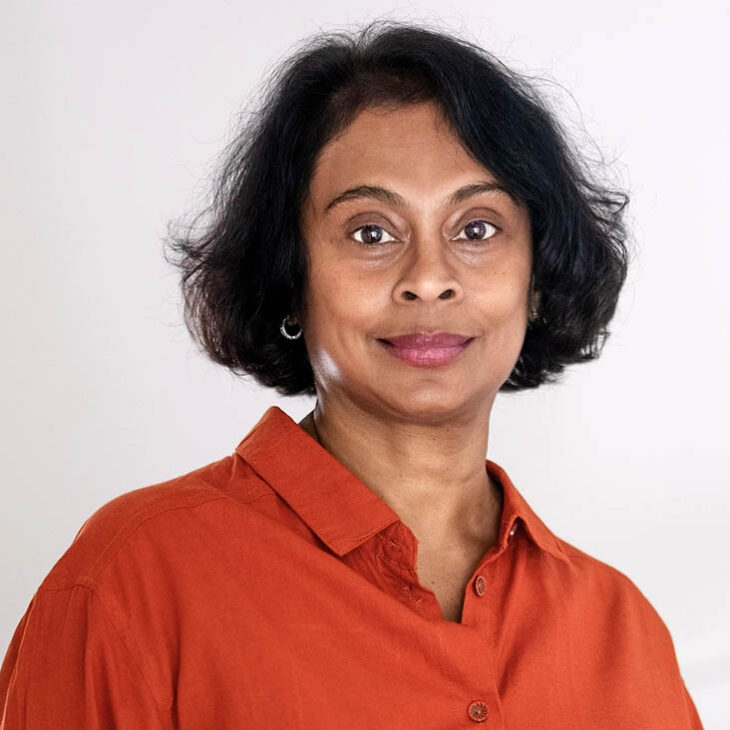
The Babcock Lecture - Wave: Life and Memories After the Tsunami
Dr. Sonali Deraniyagala will share the story of her family—husband, sons, parents—having been swept away by the 2004 Indian Ocean tsunami while vacationing in Sri Lanka. In her book Wave, Deraniyagala alone survives to tell her tale of unimaginable loss; her journey through unsparing grief; and the recovery of memory, love, and self.
Thursday, October 8
7:00 p.m.
SUNY-Oneonta Welcome Center (Welcome Center Plaza, 108 Ravine Parkway)
This fall’s Babcock Lecture is presented in collaboration with SUNY Oneonta.
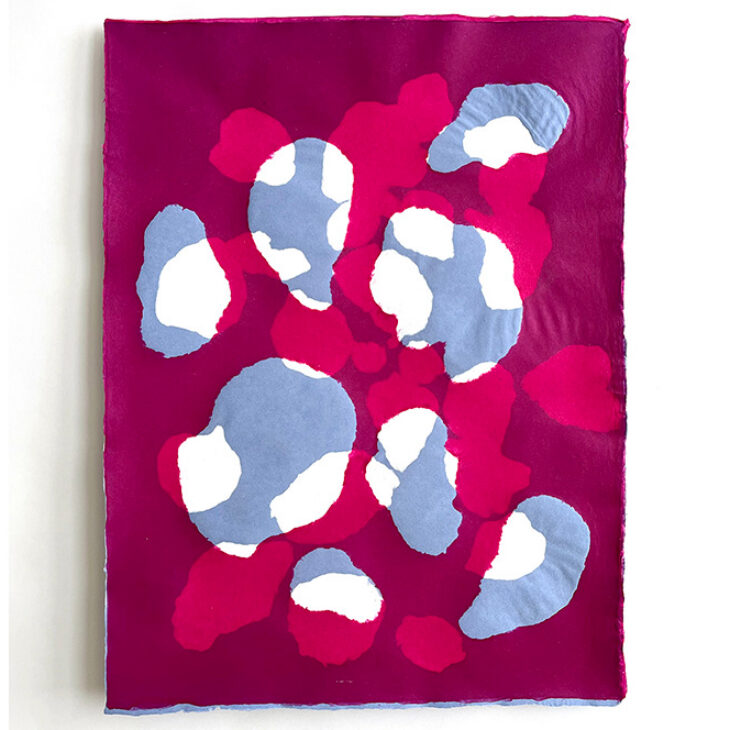
“Creating Currents,” at the Foreman Gallery of Contemporary Art
The exhibition spotlights the creative work of artists connected to the Art & Art History Department and brings together a range of artistic practices, perspectives and experiences.
True Blue Reception: September 26 | 3-5 p.m.
Lunchtime Artist Talks: October 2 & 16 | 12:15-1:15 p.m.
*closed September 25
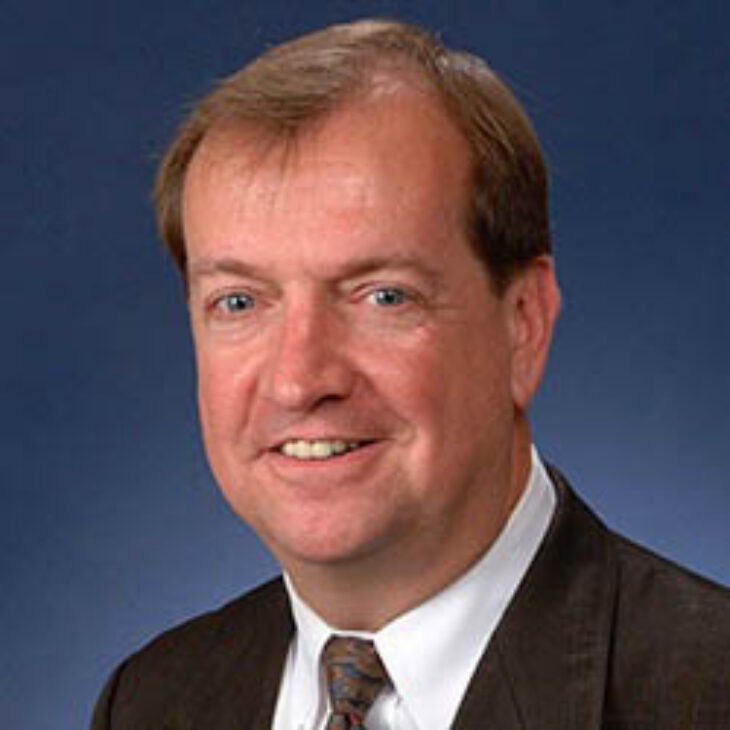
Meredith Sport Management Speaker Series: Greg Harney
Gregy Harney will share his experience as past president of the international event and bid consulting company Global Sports Partners, and his work with 22 Olympic Games, 10 Pan American Games and nine Paralympic Games.
Thursday, October 8
7 p.m.
Anderson Theatre, Anderson Center for the Arts
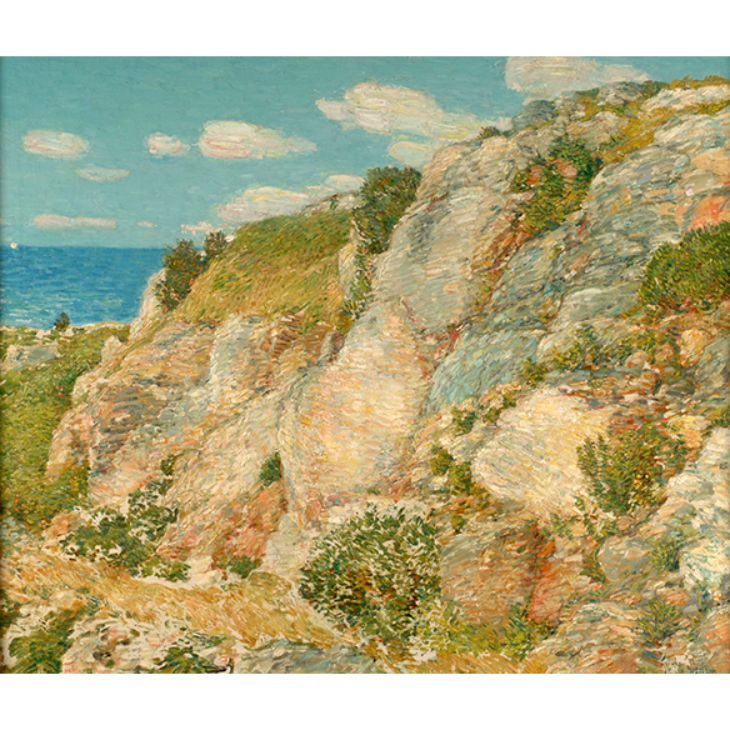
The Four Seasons: Selections from the Yager Museum Collections
Artists have tried to capture the essence of the seasons in paintings, prints, and photographs. Composers have provided soundtracks to the ever-changing seasonal cycles. This exhibition will transport you through the seasons of the year as interpreted by artists represented in the Yager Museum of Art & Culture collections, complemented by the music and poetry of Antonio Vivaldi.
Opening Reception: September 26
4:00 – 6:00 p.m.
Yager Museum of Art & Culture
On view through May 20, 2027
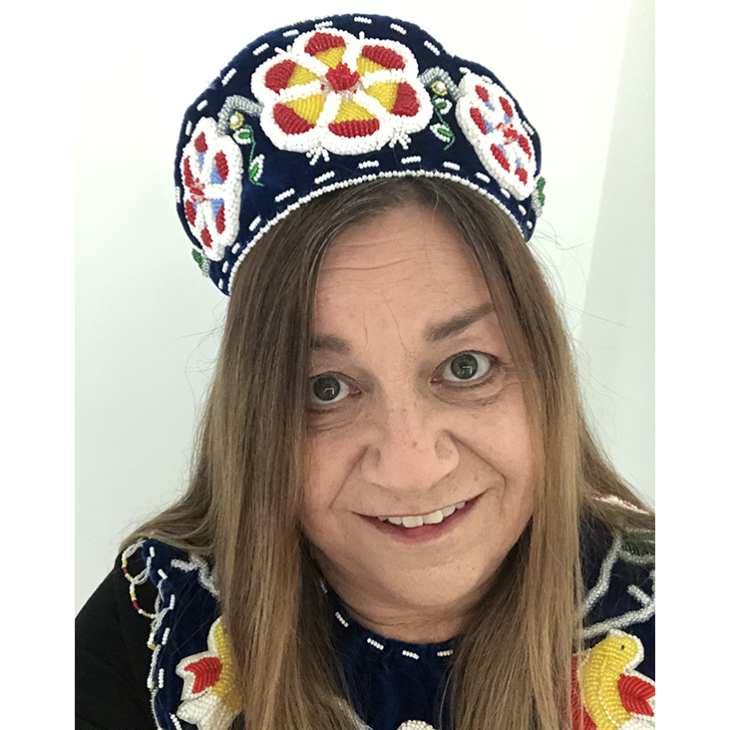
Phil Young Residency for Indigenous Art: Melanie Printup Hope
The Yager Museum of Art & Culture’s inaugural Phil Young Residency for Indigenous Art runs from October 6-16.
A reception for her installation, “My Ancestors in the Sky World”, will be held on Thursday October 15 from 5-7 p.m. in the Yager Museum.
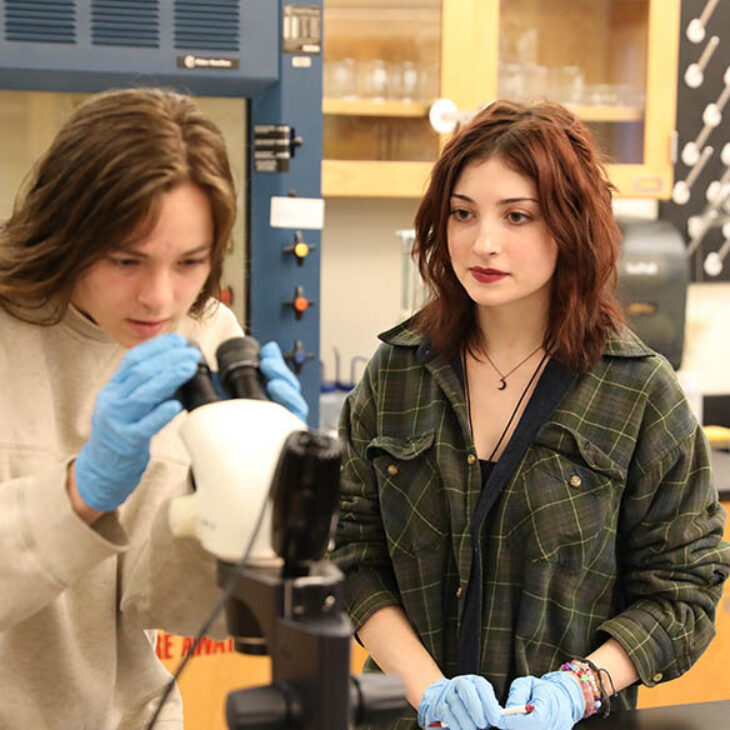
Spring 2026 Digital Issue of The Wick
Spring 2026- IMPACT: The many way Hartwick improves our world.
The digital edition includes awesome videos, slideshows, and interactives at the online home of The Wick.
Together, We Soar
Invest in our students; Invest in Hartwick.
Hartwick’s goal is not to simply evolve with the higher education landscape.
It’s to lead it.
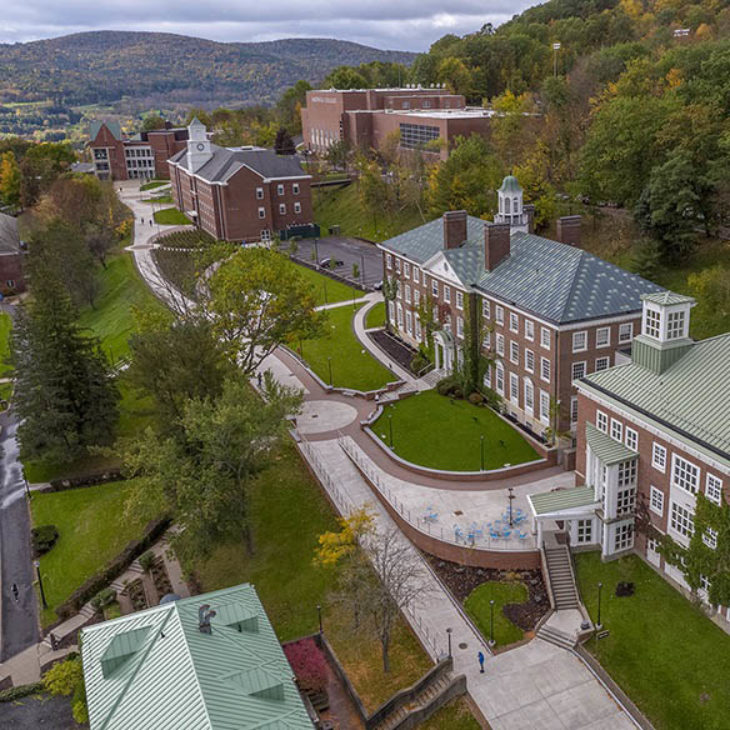
A community that’s engaged and connected
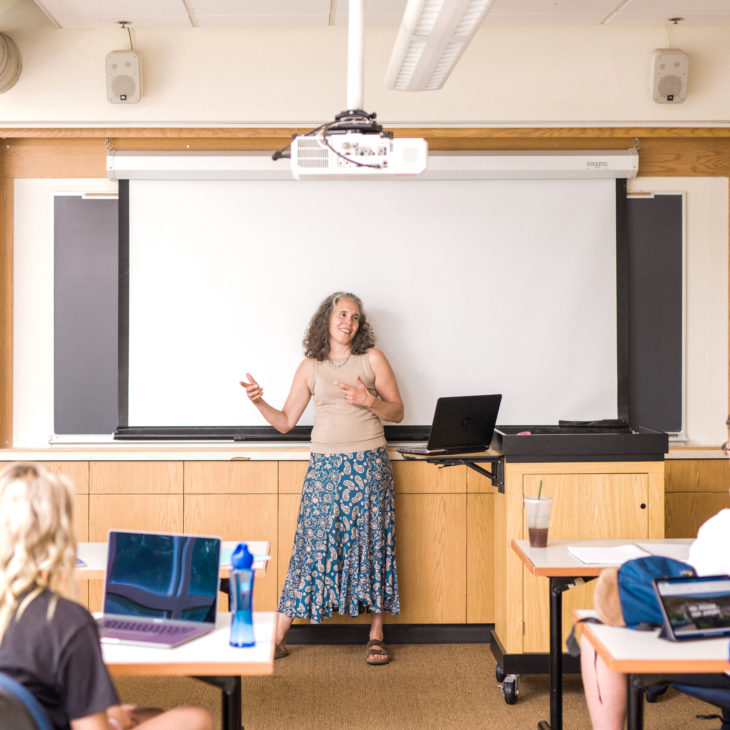
As educators, mentors, coaches, supporters, and role models, the Hartwick faculty and staff are essential to creating our vibrant campus community and helping students succeed. Through FlightPath, Hartwick is preparing every student, every day to be ready for life after graduation.
Employee Directory
Depending on your operating system, press CTRL+F or CMD+F to "Find" what you are looking for. Directory is accessible only to students, staff and faculty. You will need to be signed into your Hartwick account.
Below are steps for an employee to have their information updated:
Office locations: staff notify [email protected]; faculty notify [email protected]
Position titles or departments: staff notify [email protected]; faculty notify [email protected]
Phone numbers (office extensions): employees can update their phone numbers using selfservice.hartwick.edu. Go to User Options (on the left side menu) and then update number under User Profile.
New Hartwick Stories
Shortino Family Gift Gives Hartwick Men’s Lacrosse A New Home
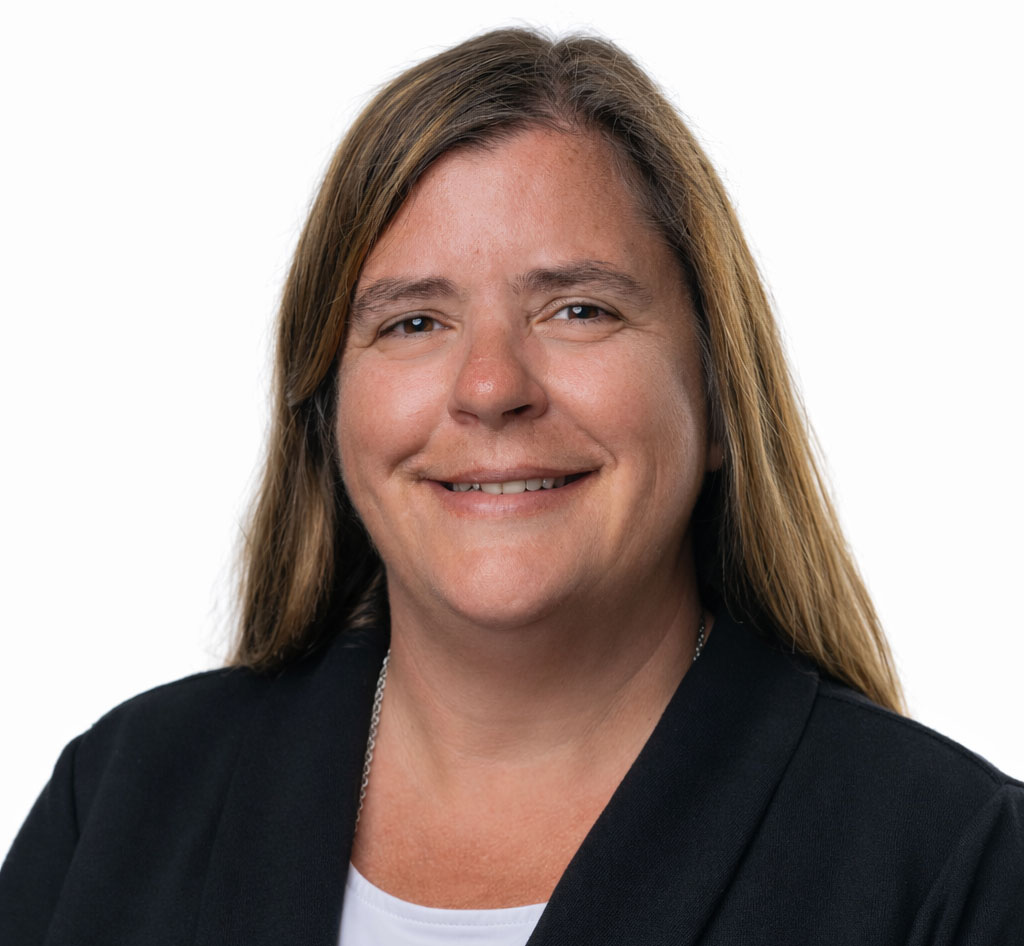
O’Connor Chair Lecture to Focus on Infection Prevention in Nursing
Read More >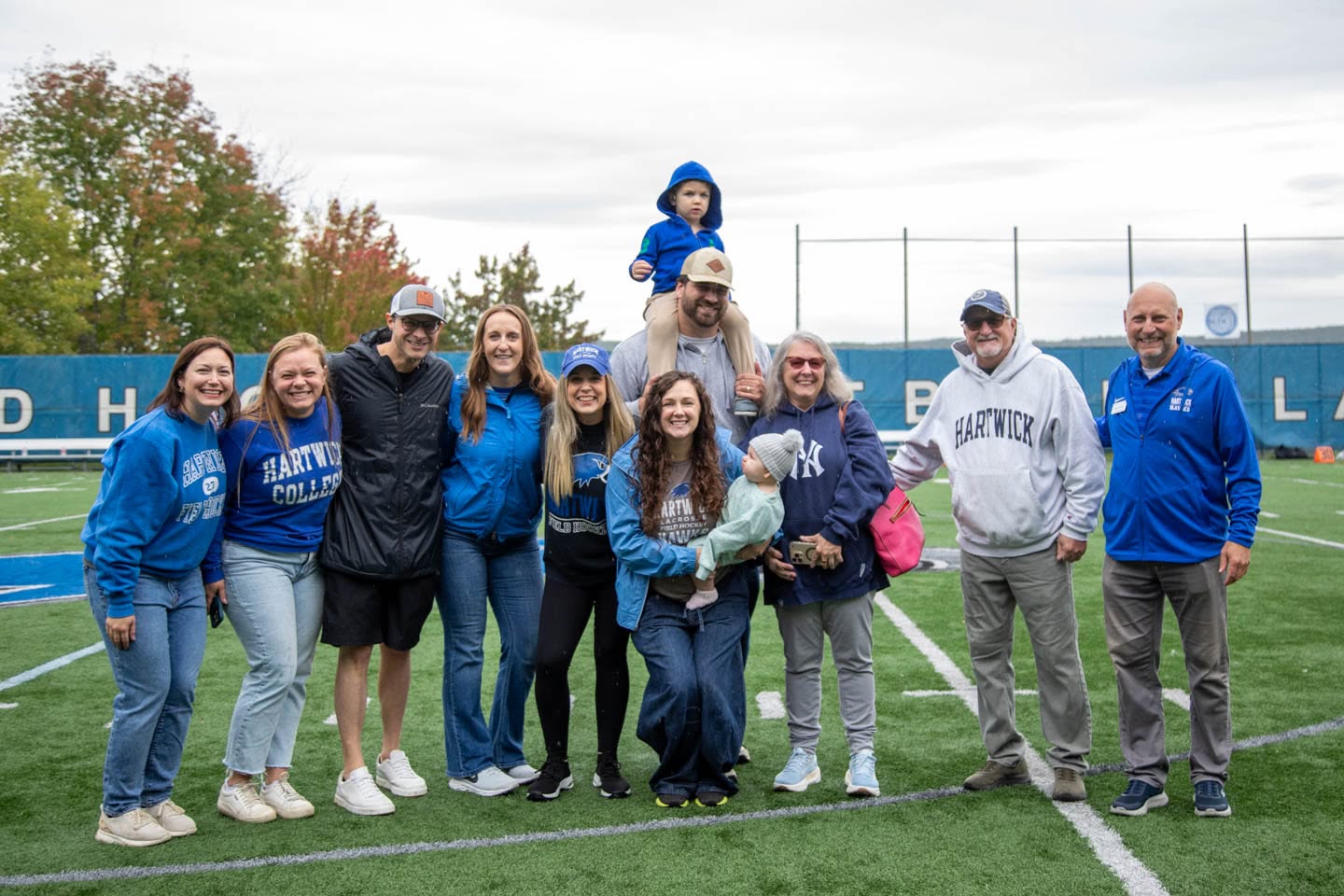
True Blue Weekend 2026 Features Inauguration of President Laurel Bongiorno
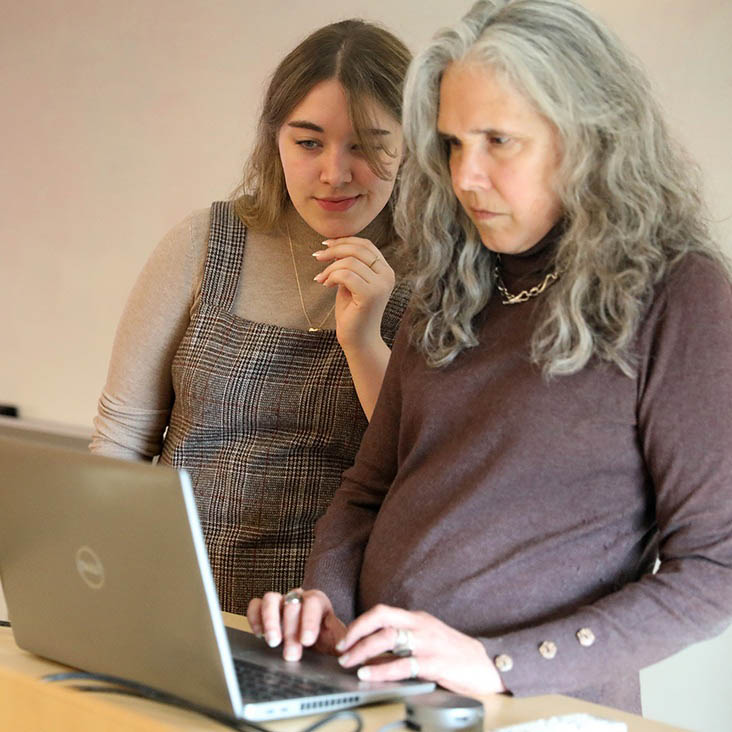
New Graduate Programs in Business and Education
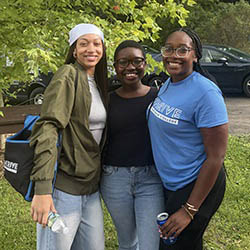
Hartwick College’s First THRIVE Students Build Community Ahead of First Year
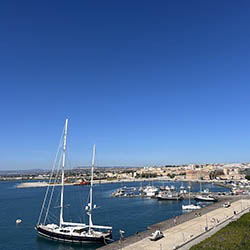
Hartwick College Invites Travellers to Experience Sicily in 2027
Hartwick Spotlights
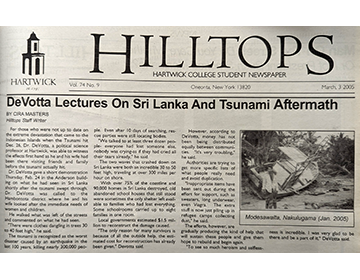
Hartwick’s response to the 2004 Indian Ocean tsunami
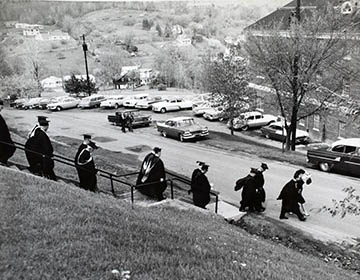
The Traditions of Hartwick Inaugurations
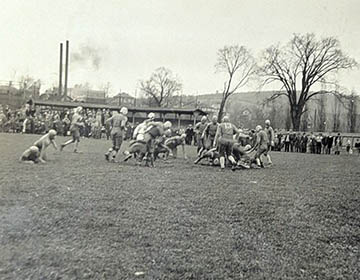
The Beginning of Football at Hartwick
Graduate Outcomes Emilyann Feldman ’21

Inside the Internship 2026: Real-World Experience, Hartwick Style
Graduate Outcomes: Dennis Ross ’22
Upcoming Campus Events
Stay connected and aware of the upcoming events on campus.